How to Back Up Data to Prevent Data Loss
Data backup is essential for keeping files safe when a device is damaged, lost, or affected by system errors. This article explains what data backup is, its benefits, and how to back up files properly.
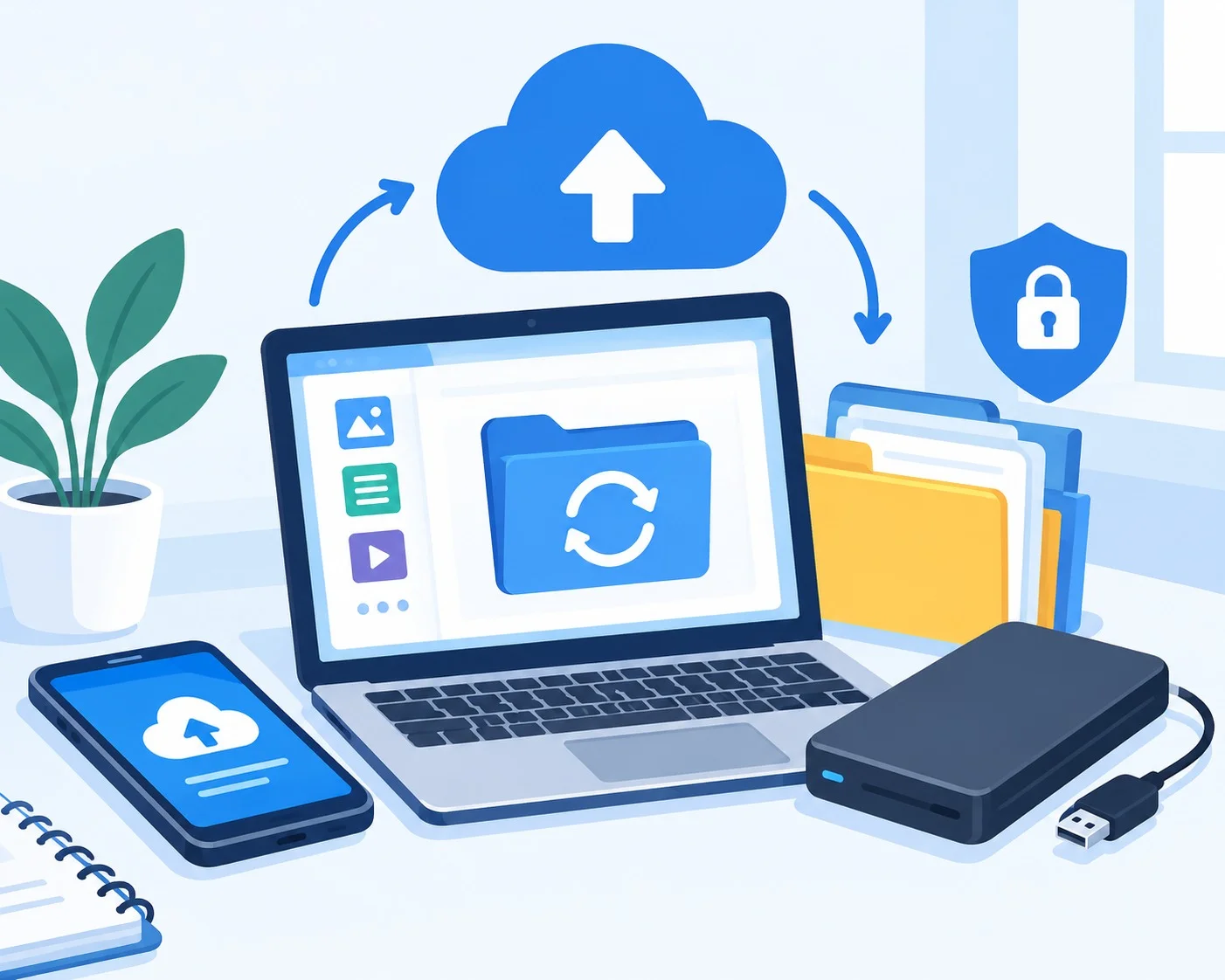
Table of Contents
Introduction
Digital data has become an important part of everyday life. School documents, photographs, videos, work files, and other important materials are often stored on laptops or smartphones. However, these files can be lost due to device damage, accidental deletion, malware attacks, or system problems.
One way to reduce these risks is to back up data regularly. A backup provides a copy of files that can be used when the original data is lost or becomes inaccessible.
Understanding Data Backup
Data backup is the process of creating copies of files or information from a primary device and storing them elsewhere. These copies can be used to recover data if the original files become damaged or disappear.
Backups can include documents, photographs, videos, databases, and project files. They can be created manually or automatically, depending on the device and service being used.
Benefits of Data Backup
Data backup offers several important benefits. First, it helps recover files lost through user mistakes or device damage. Second, it reduces the risk of losing important documents when a laptop or smartphone stops working.
Backups also make transferring data to a new device easier. With an available copy, users do not always have to start from scratch when restoring their files.
Choose the Right Storage Medium
Several storage options can be used to keep backup copies. USB flash drives and external hard drives are suitable for local storage. Online storage services can help users access their backup files from different devices.
Each option has advantages and disadvantages. External storage does not always require an internet connection, while online storage is accessible from different locations. Choose a suitable option based on your needs, storage capacity, cost, and security requirements.
Back Up Data Regularly
Backups should be performed regularly, not only when a device begins to experience problems. The frequency depends on how often the data changes. Files updated daily may require more frequent backups than documents that rarely change.
Users can also take advantage of automatic backup features when available. This allows backups to run according to a schedule without requiring constant manual action.
Keep Copies in Different Locations
Keeping every copy of your data in one place can be risky. If that storage device is damaged or lost, the backup may disappear as well.
To reduce this risk, consider keeping copies in different locations. For example, the primary files can remain on a laptop, a second copy can be stored on an external hard drive, and an additional copy can be kept through an online service. This approach helps protect data when one storage medium fails.
Check Your Backups
Completing a backup does not always guarantee that every file has been copied correctly. Therefore, check the results after each backup. Make sure important files are present and can be opened.
Occasionally, test the recovery process to confirm that the backup can actually be used. This is important because problems should be discovered before the data is urgently needed.
Protect Backup Copies
Backup copies also need protection. Use passwords or encryption when supported by the storage medium or service. Limit access to authorized people, especially when the files contain personal information or important records.
When using online services, enable the available account security features. Avoid storing sensitive information on shared devices or accounts without adequate protection.
Conclusion
Data backup is an important habit for preventing the loss of digital files. By choosing suitable storage media, backing up regularly, keeping copies in different locations, and checking the results, users can improve the protection of their important data.
A good backup strategy is not just about creating file copies. It also involves making sure those copies remain secure and can be restored when needed. Start backing up important data before a problem occurs.

Uploaded by
Muazzam Azri Lubis
Tech Contributor