Tutorial & Guides
5 Reading Minutes
How to Create a Website for Beginners
This article discusses how to create a simple website for beginners using HTML and CSS.
Table of Contents
How to Build a Website for Beginners
A website is a digital page accessible through the internet, serving as a medium to share information, showcase profiles, or manage data. For beginners, building a website is the first step toward establishing a digital identity, whether for personal or business purposes.
Steps to Build a Website
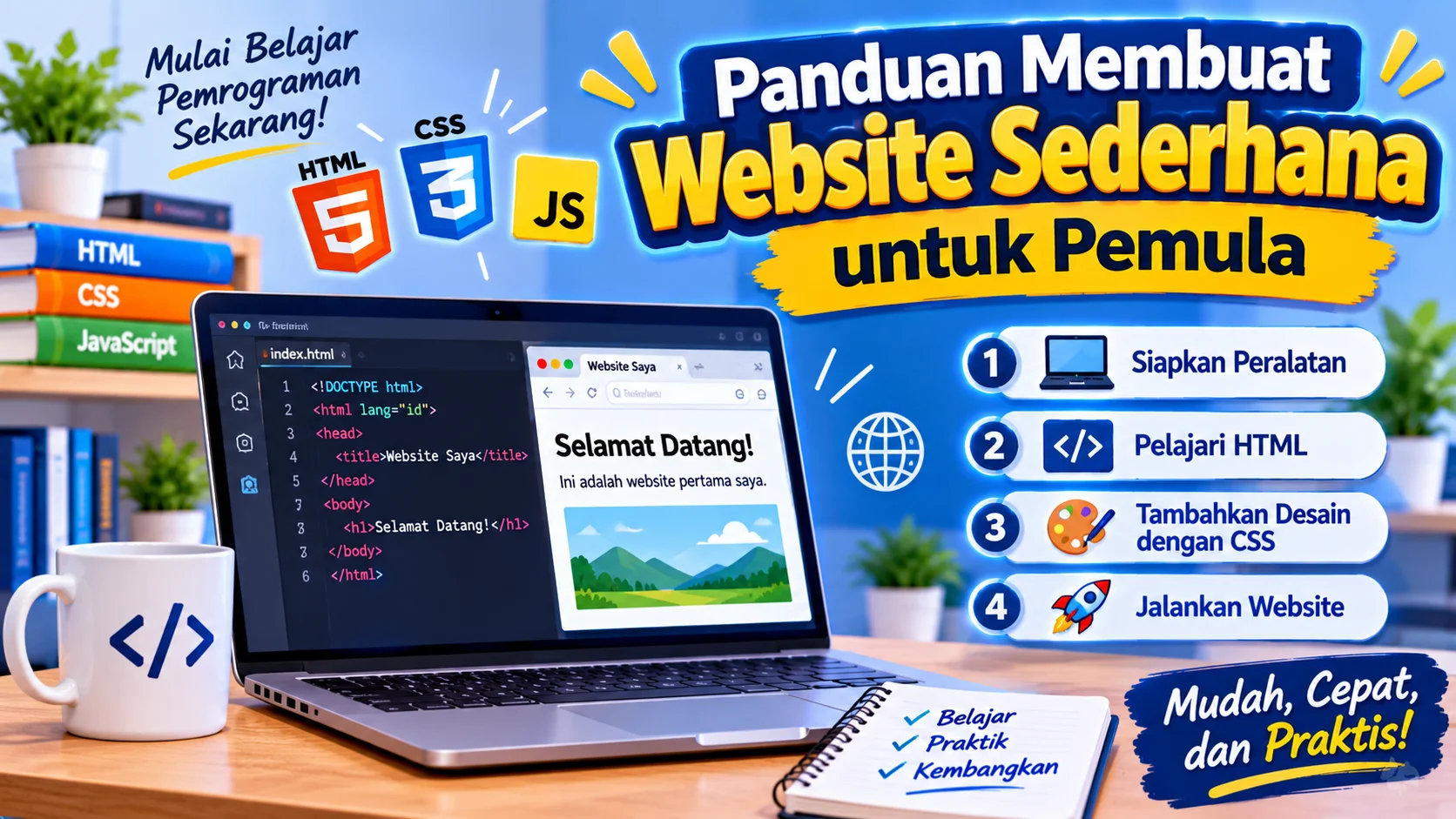
- Learn basic HTML – HTML is used to create the structure of a page, such as headings, paragraphs, images, and links.
- Use CSS – CSS helps define colors, sizes, layouts, and visual styles to make the website more appealing.
- Create simple pages – Start with a profile page or a basic information page.
- Test the website in a browser – Ensure the layout and functionality work as intended.
- Add interactivity with JavaScript (optional) – Learn basic JavaScript to make your website more dynamic and interactive.
Extra Tips to Build a Website
- Use text editors like Visual Studio Code or Sublime Text to simplify coding.
- Save files in .html format so they can be opened directly in a browser.
- Learn responsive design concepts to make websites accessible across devices.
- Utilize CSS frameworks such as Bootstrap to speed up the design process.
Conclusion
Building a website starts with learning HTML and CSS as the foundation. With consistent practice and exploration of additional technologies like JavaScript or modern frameworks, you can create websites that are more engaging, interactive, and useful.

Uploaded by
Kirania Aureliyanti
Tech Contributor