Google Chrome Fixes 353 Security Vulnerabilities, Users Urged to Update Their Browsers
Google released Chrome 156 in October 2026, addressing 353 security vulnerabilities, including six critical flaws. Users are encouraged to update their browsers to help protect their devices and personal information from security risks.

Table of Contents
Google Chrome Fixes 353 Security Vulnerabilities, Users Urged to Update Their Browsers
Google released the Chrome 156 update in October 2026 to fix hundreds of security vulnerabilities, including six critical flaws. This update is an important step toward improving user security when browsing the internet and using various web-based services.
The Importance of Browser Security
Google Chrome is one of the most widely used browsers for accessing websites, searching for information, studying, and working online. Since it is used for many activities, browser security should always be a priority.
Browser vulnerabilities can be exploited by malicious parties to disrupt systems or access information without permission. Therefore, software updates are necessary to fix identified weaknesses.
What Are the Benefits of Updating Chrome?
Browser updates are not only intended to fix problems but also to improve protection when users access the internet. Security updates help address vulnerabilities discovered by developers and security researchers.
Users are advised to use a supported version of Chrome that has received the latest available security updates. This can help reduce the risks associated with using outdated software.
How to Update Google Chrome
Users can check for Google Chrome updates by following these steps:
- Open Google Chrome on your computer.
- Click the three-dot icon in the upper-right corner.
- Select Help, then click About Google Chrome.
- Wait for the browser to check for available updates.
- If an update is available, follow the instructions displayed.
- Click Relaunch if prompted to complete the update process.
Before restarting the browser, make sure that all important work has been saved to avoid losing unsaved changes.
Tips for Staying Safe While Browsing the Internet
In addition to updating their browsers, users should practice safe browsing habits. Avoid clicking suspicious links, downloading files from untrusted sources, or entering personal information on unfamiliar websites.
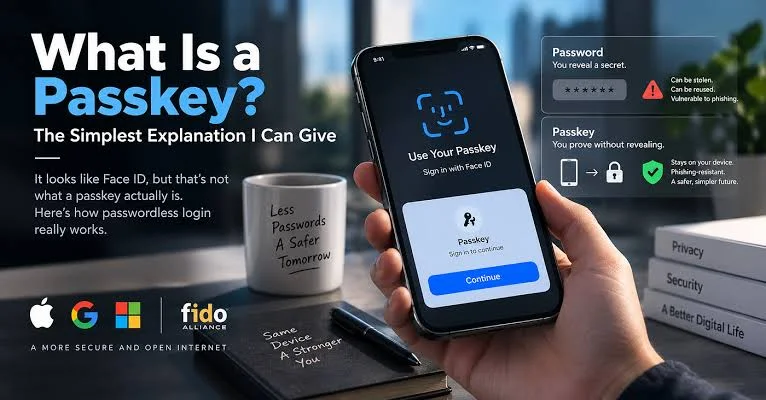
Users should also create strong passwords and enable two-factor authentication on accounts that support this feature.
Conclusion
The Google Chrome update demonstrates that browser security is an important part of everyday technology use. By updating browsers regularly and practicing safe browsing habits, users can help protect their devices and personal information from various digital threats.

Uploaded by
M.Razqa El Farabi
Tech Contributor