Website Security: How to Protect Websites from Online Threats.
Website security is essential for protecting data, maintaining user privacy, and preventing unauthorized access. Threats such as malware, password theft, and SQL injection can disrupt website operations. This article explains common website security threats, practical protection methods, and important habits for keeping websites secure.
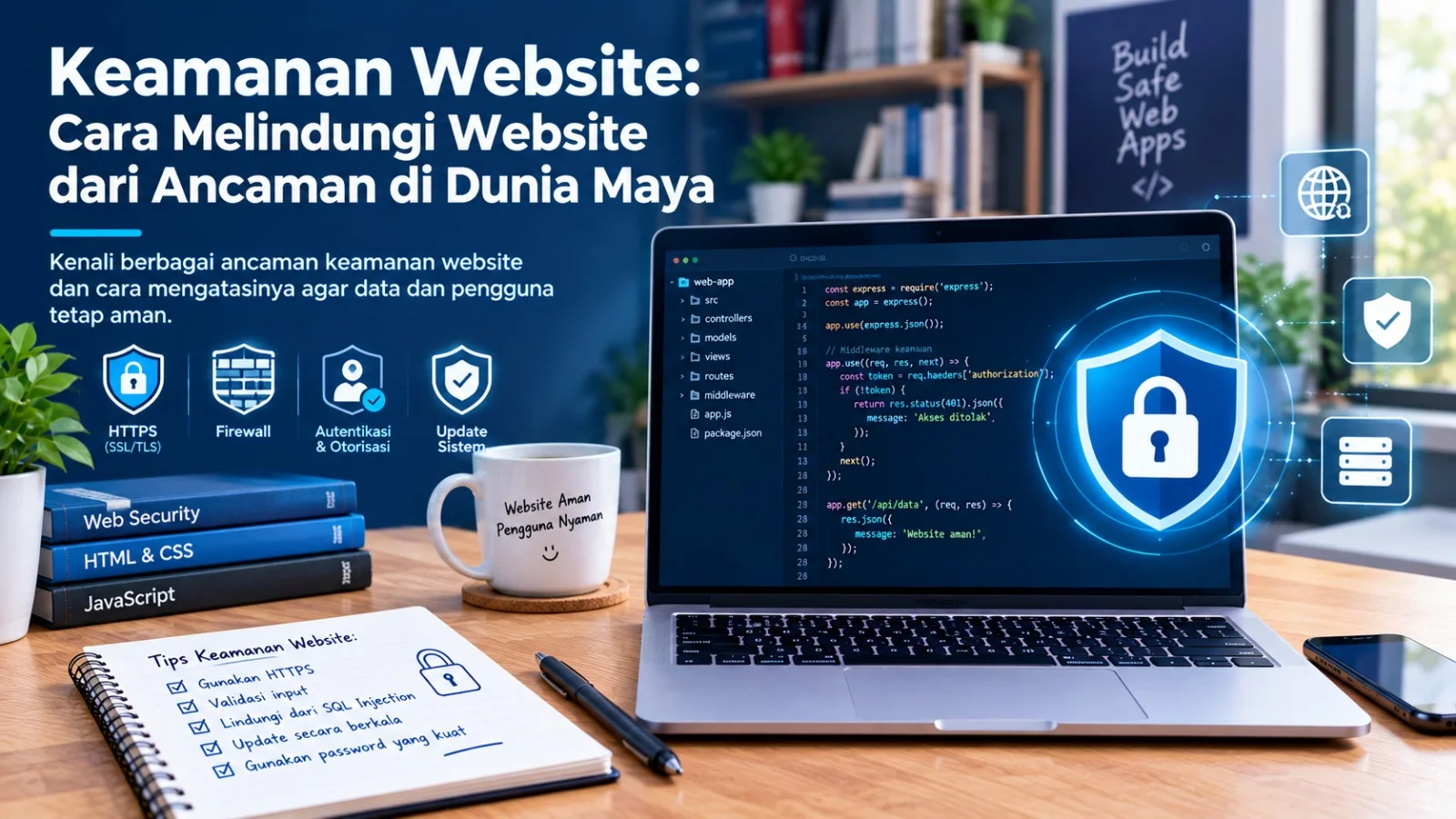
Table of Contents
Introduction
Websites have become an important part of everyday activities. They are used to share information, shop online, manage data, register for services, and provide various digital services. However, as more activities take place online, protecting website systems becomes increasingly important.
Websites without adequate protection may face data theft, unauthorized content changes, account abuse, and service disruptions. These problems can harm both website owners and users.
Website security is not only the responsibility of large companies. Blog administrators, online store owners, application developers, and beginners learning web development also need to understand basic digital security.
By applying appropriate protection measures, security risks can be reduced and user trust can be better maintained.
What Is Website Security?
Website security refers to the measures taken to protect websites, servers, applications, and their data from unauthorized access, cyberattacks, and system abuse.
It includes several aspects, such as protecting user data, securing login processes, updating software, managing access permissions, and backing up information. The main goals of website security include:
- Protecting data: Preventing sensitive information from being accessed by unauthorized parties.
- Maintaining service availability: Reducing the risk of a website becoming unavailable.
- Preserving information integrity: Preventing unauthorized changes to data or content.
- Protecting user accounts: Reducing the risk of account theft and identity misuse.
- Maintaining trust: Providing visitors with a safer online experience.
Security should be considered during website design and development, not only after a website has been completed.
Common Website Security Threats
Various threats can affect websites. Understanding these threats helps administrators choose appropriate protection measures.
Malware
Malware is malicious software that can be used to steal information, damage systems, or perform unauthorized activities. A website may be affected if its server or the administrator's device becomes infected.
Administrators should keep software updated, use trusted download sources, and investigate suspicious activity.
Phishing
Phishing is an attempt to trick users into providing sensitive information, such as passwords or verification codes. Attackers often impersonate trusted services through messages or fake login pages.
To reduce the risk, users should check website addresses before entering account information and avoid opening suspicious links.
SQL Injection
SQL injection is an attack that exploits weaknesses in the way an application processes database commands. If an application does not handle user input correctly, an attacker may attempt to manipulate database queries.
Developers can reduce this risk by using prepared statements, validating input, and limiting database account permissions.
Cross-Site Scripting (XSS)
Cross-Site Scripting, or XSS, occurs when an application displays untrusted content as active code in a user's browser. This can be exploited to execute malicious scripts on a website page.
The risk can be reduced by applying context-appropriate output encoding, handling input correctly, and implementing suitable content security policies.
Brute-Force Attacks
A brute-force attack attempts to guess passwords by trying many combinations. Accounts with weak passwords or inadequate login protection are more vulnerable.
Login attempt limits, strong passwords, and multifactor authentication can help reduce this risk.
How to Protect a Website from Attacks
Website owners and developers can apply several measures to improve security.
Use HTTPS
HTTPS helps protect communication between a browser and a server through TLS encryption. This is important when users submit information such as login credentials or form data.
Ensure that the TLS certificate is configured correctly and that sensitive content is not transmitted through insecure HTTP connections.
Use Strong Passwords
Use long, unique passwords for administrator accounts, hosting services, databases, and other website-related services. Avoid reusing the same password across multiple platforms.
A password manager can also help store credentials securely.
Enable Multifactor Authentication
Multifactor authentication, or MFA, adds a verification step beyond a password. If someone obtains a password, the additional verification layer can help prevent unauthorized access.
Enable MFA especially for administrator accounts, hosting services, and accounts with important privileges.
Update Systems Regularly
Content management systems, frameworks, plugins, themes, and server software should be updated according to security recommendations. Older versions may contain known vulnerabilities that attackers can exploit.
Before major updates, create backups and test changes in a safe environment whenever possible.
Limit Access Permissions
Each account should have only the permissions required to perform its tasks. Accounts that do not need administrator access should not be given administrator privileges.
This principle is known as the principle of least privilege. It helps limit the impact if an account is misused.
The Importance of Data Validation and Secure Code
Website security requires more than installing an HTTPS certificate. Application code must also be designed to handle data safely.
An important step is validating information received from users. For example, a registration form should check whether an email address has an appropriate format and whether required fields have been completed.
However, validation alone is not enough to prevent every attack. Developers must also use security techniques appropriate to the situation. Useful practices include:
- Using prepared statements for database queries.
- Applying output encoding when displaying untrusted data.
- Checking authorization before allowing users to access particular data or features.
- Storing passwords using a secure password-hashing algorithm rather than plain text.
- Avoiding hardcoded secret keys or credentials in publicly shared code.
- Handling errors without exposing sensitive information to visitors.
These practices help reduce application vulnerabilities that could be exploited by malicious parties.
Why Are Website Backups Important?
A backup is a copy of data that can be used to restore a website when problems occur. Server failures, unsuccessful updates, data corruption, or cyberattacks may cause information to be lost or become unavailable.
Backups should include website files, important configurations, and databases according to the system's needs. Good backup practices include:
- Creating backups on a regular schedule.
- Storing backup copies separately from the main server.
- Restricting access to backup files.
- Encrypting backups that contain sensitive information.
- Testing the restoration process periodically.
A successfully created backup is not necessarily guaranteed to restore correctly. Therefore, restoration testing is an important part of security planning.
Monitoring Website Activity
Monitoring helps administrators identify unusual activity before a problem becomes more serious.
Things to watch include repeated login attempts, unknown file changes, unusual traffic increases, and unfamiliar newly created accounts.
Administrators can use server logs, security monitoring tools, and automated notifications to help identify suspicious activity.
If an attack is suspected, investigate carefully. Secure affected accounts, preserve relevant log evidence, inspect system changes, and restore services using established procedures.
Security Habits for Website Owners
Website security requires ongoing attention. The following habits can help:
- Check for security updates regularly.
- Remove unused plugins, themes, and accounts.
- Use unique passwords and enable MFA.
- Review administrator permissions periodically.
- Create and test backups regularly.
- Monitor logs and login activity.
- Choose hosting services with suitable security features and support.
- Learn security guidelines relevant to the technologies being used.
These practices provide a useful foundation for both beginners and experienced website administrators.
Conclusion
Website security is an important part of developing and maintaining digital services. Threats such as malware, phishing, SQL injection, XSS, and brute-force attacks can cause harm if they are not handled properly.
Website protection can be improved by using HTTPS, strong passwords, multifactor authentication, software updates, access restrictions, data validation, and regular backups.
Security is not a task that can be completed in a single step. Continuous monitoring, testing, and improvement are necessary to keep websites safer, more stable, and more trustworthy for their users.

Uploaded by
Kirania Aureliyanti
Tech Contributor