Understanding Git and GitHub: A Beginner's Guide to Managing Code.
Git and GitHub are essential tools in software development that help programmers manage code changes and collaborate on projects. Git records the history of changes in files, while GitHub provides an online platform for storing repositories and working with other developers. This article explains Git and GitHub, their differences, basic commands, and how beginners can use them.
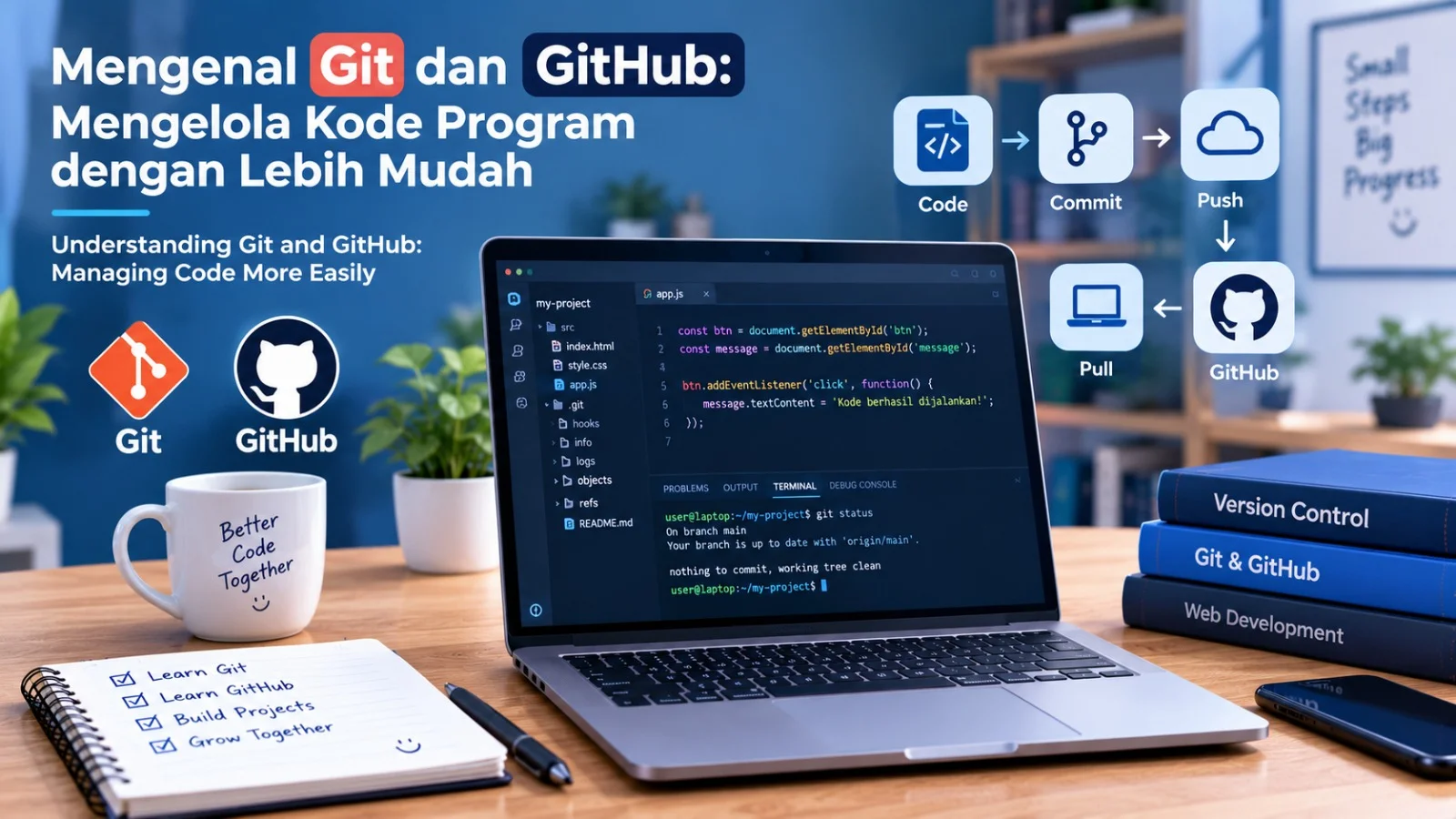
Table of Contents
Introduction
In programming, building an application is rarely completed in a single attempt. Programmers often modify code, fix errors, add features, and work with other developers. If these changes are not managed properly, the code can become difficult to understand, and previous versions may be lost.
Git and GitHub are tools that help solve these problems. They are widely used in software development.
Git helps programmers record changes in their code, while GitHub provides an online platform for storing repositories and collaborating with other developers. By understanding these tools, beginners can manage programming projects more effectively.
1. What Is Git?
Git is a version control system used to record changes in files and projects. It allows programmers to review previous changes, view project history, and return to an earlier version when necessary.
Git can be used for different types of projects, such as:
- Websites built with HTML, CSS, JavaScript, PHP, or other frameworks.
- Desktop applications.
- Mobile applications.
- Individual or team programming projects.
One advantage of Git is that version tracking can be performed locally on a computer. This means programmers can use Git without always needing an internet connection.
2. What Is GitHub?
GitHub is a web-based platform used to store Git repositories online. It helps programmers manage projects, share code, and collaborate with other developers.
GitHub provides several features, including:
- Repository: A place to store project files and their change history.
- Pull Request: A feature for proposing code changes so they can be reviewed before being merged.
- Issues: A feature for recording problems, tasks, or development ideas.
- Collaboration: Tools that help multiple people work on the same project.
- README: A document explaining the project's purpose, usage, and important information.
GitHub can also be used to display programming projects as a portfolio.
3. The Difference Between Git and GitHub
Git and GitHub are often mentioned together, but they have different purposes.
Git is version control software that runs on a computer. It records file changes, creates project versions, and manages code history.
GitHub is an online service that provides a place to store Git repositories, share projects, and collaborate with other people.
For example, a programmer can use Git to record changes in a website project. The repository can then be uploaded to GitHub so it is stored online and accessible to team members.
Therefore, Git manages code versions, while GitHub supports online storage and collaboration.
4. Basic Git Terms
Before using Git, beginners should understand several common terms.
Repository
A repository is a storage location for a project containing files and change history. It can exist on a local computer or on an online platform such as GitHub.
Commit
A commit is a record of changes saved in Git history. Each commit has a message describing the changes.
For example, a commit message might be Add login page.
Branch
A branch is a separate development line that allows programmers to work on changes independently from the main branch. Branches are useful when adding new features without immediately changing the main version of a project.
Push
Push is the process of sending commits from a local repository to an online repository, such as GitHub.
Pull
Pull is the process of retrieving changes from an online repository and integrating them into a local repository.
Understanding these terms helps beginners follow the Git workflow more easily.
5. Basic Git Commands
Git provides several commands for managing projects. The following commands are commonly used.
Initialize a Repository
git init
This command creates a new Git repository in the current project folder.
Check File Status
git status
This command displays information about changed files, new files, and changes that have not yet been committed.
Add Files to the Staging Area
git add .
This command adds file changes to the staging area. The staging area is where programmers select changes to include in the next commit.
Save Changes with a Commit
git commit -m "Create homepage"
This command saves the selected changes to Git history. Commit messages should describe the changes briefly and clearly.
View Commit History
git log
This command displays the history of commits made in the repository.
By learning these commands, programmers can begin managing project changes in a structured way.
6. How to Upload a Project to GitHub
After managing a project with Git, programmers can upload it to GitHub. The following basic steps can be followed:
- Create a GitHub account if you do not already have one.
- Create a new repository on GitHub.
- Open the project folder on your computer.
- Make sure the project is using Git.
- Add the GitHub repository address as a remote repository.
- Commit the changes you want to save.
- Use the push command to send commits to GitHub.
Example command for connecting a local project to an online repository:
git remote add origin https://github.com/username/repository-name.git
After the repository is connected, changes can be uploaded using:
git push -u origin main
The repository address and branch name must match the project configuration. Some projects may use a different name for their main branch.
7. Benefits of Git and GitHub for Programmers
Git and GitHub provide several benefits during software development.
Manage Code History
Programmers can review changes and view previous versions of a project.
Reduce the Risk of Losing Changes
Commit history helps programmers review previous work. If an error occurs, changes can be traced and corrected more easily.
Make Teamwork Easier
GitHub helps team members share code, review changes, and combine their work into the same project.
Build a Portfolio
Projects stored on GitHub can be used as a portfolio to demonstrate programming skills.
Develop Professional Work Habits
Using Git and GitHub helps beginners understand workflows commonly used in software development.
8. Tips for Learning Git and GitHub
Beginners can start with simple exercises to understand Git and GitHub more easily.
Create a small project, such as an HTML and CSS website.
Learn the commands git init, git status, git add, and git commit.
Practice writing clear commit messages.
Create a GitHub repository for practice projects.
Learn about branches when trying new features.
Do not upload passwords, access tokens, or confidential information to public repositories.
Review files before pushing them to GitHub.
Consistent practice helps programmers understand how code changes are managed in real projects.
Conclusion
Git and GitHub are important tools in software development. Git records and manages code changes, while GitHub stores repositories online and supports collaboration.
By learning basic Git commands, understanding concepts such as commits and branches, and practicing by uploading projects to GitHub, beginners can develop more organized programming habits. These skills are also useful when working on individual projects or collaborating with a team.

Uploaded by
Kirania Aureliyanti
Tech Contributor