Understanding JavaScript: How to Make Websites More Interactive for Beginners.
JavaScript is a programming language used to make websites more interactive and dynamic. It allows developers to add features such as interactive buttons, form validation, navigation menus, and content updates without reloading an entire page. This article explains what JavaScript is, how it works, provides a simple code example, and introduces practical learning steps for beginners.
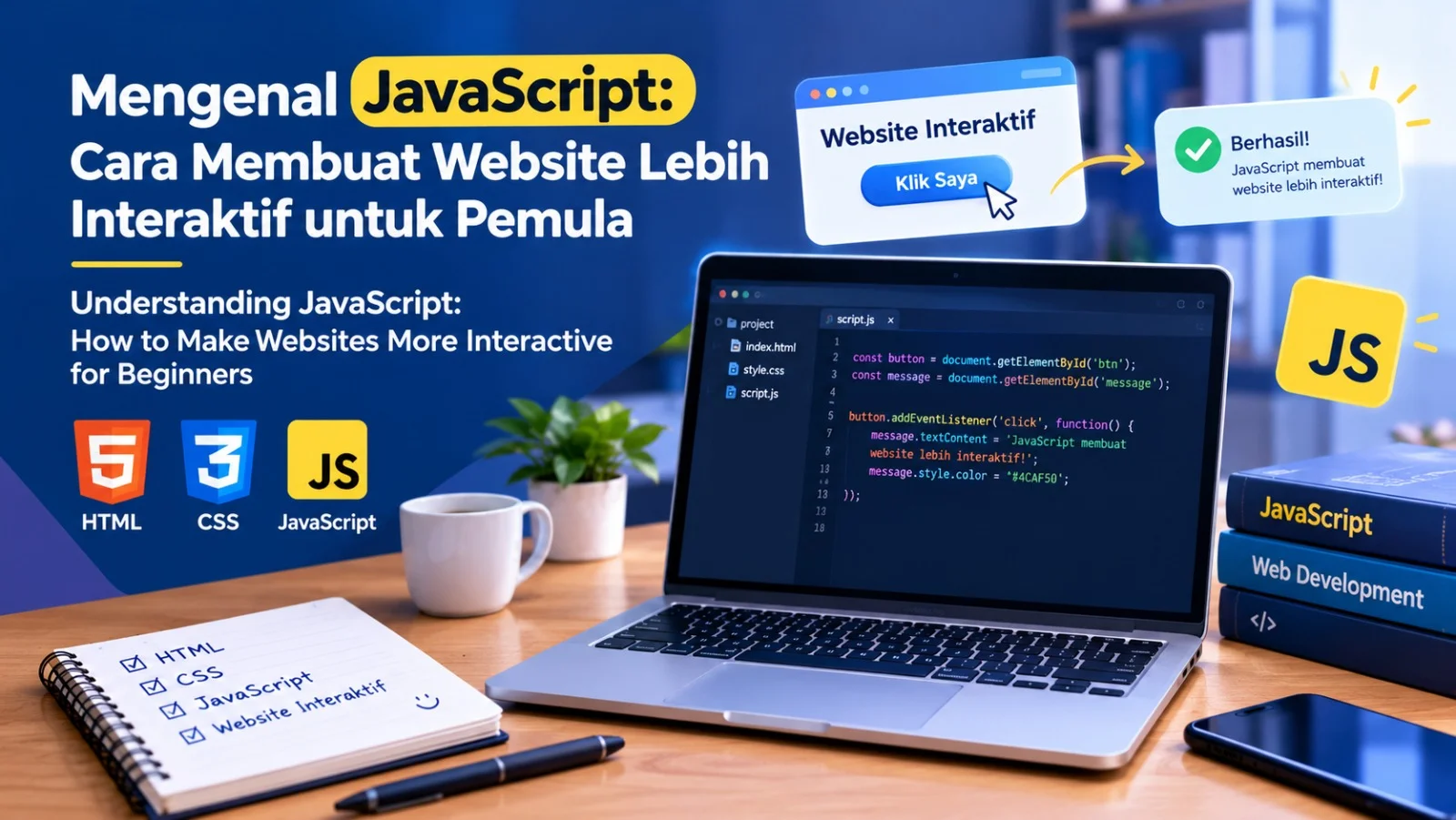
Table of Contents
Understanding JavaScript: How to Make Websites More Interactive for Beginners.
Websites are widely used to share information, provide services, and run various applications. To make a website more engaging and convenient, developers need more than an attractive design. They also need features that respond to user actions.
JavaScript is one of the technologies used to make websites more interactive. It allows developers to add features such as responsive buttons, form validation, expandable navigation menus, and content that changes based on visitor actions.
For beginners learning web development, JavaScript is an important skill to study after understanding the basics of HTML and CSS.
1. What Is JavaScript?
JavaScript is a programming language widely used to add interaction and dynamic behavior to websites. It can run in a web browser, allowing a page to respond to user actions without always reloading the entire page.
JavaScript can be used to:
Create buttons that perform specific actions.
Check whether form fields have been completed.
Show or hide page elements.
Build interactive navigation menus.
Update content based on user actions.
JavaScript can also run on the server through environments such as Node.js. Therefore, its use is not limited to web browsers.
2. The Difference Between HTML, CSS, and JavaScript
HTML, CSS, and JavaScript have different purposes, but they work together to build websites.
HTML defines the structure of a page, including headings, paragraphs, images, and buttons.
CSS controls the appearance of a page, including colors, font sizes, spacing, layout, and responsive design.
JavaScript adds behavior and interaction, such as displaying messages, responding to clicks, and checking user input.
For example, HTML creates a button, CSS determines its appearance, and JavaScript defines what happens when the button is clicked.
Together, these technologies help developers create websites that are structured, attractive, and easy to use.
3. How JavaScript Works on a Website
JavaScript can interact with HTML elements through the Document Object Model (DOM). The DOM allows a program to access and modify elements on a web page.
The process works as follows:
- The browser opens an HTML page.
- The browser reads the page structure and displays its elements.
- JavaScript runs to control specific behaviors.
- When a user performs an action, such as clicking a button, JavaScript responds.
- The page displays a message or updates a particular section according to the program.
For example, a button can display a welcome message when clicked. JavaScript runs the function assigned to that action.
4. A Simple JavaScript Example
Beginners can start learning JavaScript with a simple program. The following code displays a message when a button is clicked.
<!DOCTYPE html> <html lang="en"> <head> <meta charset="UTF-8"> <title>Learning JavaScript</title> </head> <body> <h1>Learning JavaScript</h1> <p id="message">Click the button below.</p> <button id="button">Click Me</button> <script> document.getElementById("button") .addEventListener("click", function () { document.getElementById("message") .textContent = "Hello! You have successfully run JavaScript."; }); </script> </body> </html>
In this example, getElementById() finds an element by its ID. The addEventListener() method runs a function when the button receives a click event.
When the button is clicked, the paragraph text changes to a new message. This example shows how JavaScript can update page content directly.
5. Everyday Uses of JavaScript
JavaScript is used in many website features that people encounter regularly.
Form Validation
JavaScript can check whether required form fields have been completed before data is submitted. For example, a registration form can display a warning when the name field is empty.
Interactive Navigation Menus
JavaScript can open and close website menus. This feature is often used in mobile website layouts.
Content Updates
JavaScript can update parts of a page based on user actions. Examples include adding an item to a shopping list or updating the number of selected items.
Dynamic Interfaces
JavaScript can create tabs, image galleries, countdown timers, and many other interactive components.
JavaScript features should be selected according to the website's needs so they provide real value to visitors.
6. Tools for Getting Started
Beginners do not need complicated equipment to start learning JavaScript. The basic requirements include:
- A code editor for writing and editing programs.
- A browser for running and testing web pages.
- Basic HTML and CSS knowledge to understand page structure and appearance.
- JavaScript to learn programming logic and website interaction.
For an initial exercise, create a file named index.html, write HTML and JavaScript code inside it, and open the file in a browser.
After understanding simple examples, JavaScript can be moved into a separate file, such as script.js, to keep the project organized.
7. Tips for Learning JavaScript
Programming requires consistent practice. To learn JavaScript more effectively, follow these steps:
- Learn variables, data types, operators, and functions.
- Understand conditions using if statements and loops.
- Practice handling events such as button clicks and form input.
- Learn how to select and modify HTML elements through the DOM.
- Build small projects, such as a simple calculator or a task list.
- Check error messages in the browser console when a program does not work.
- Write code yourself and understand the purpose of each line.
You do not need to learn every concept at once. Start with simple programs and gradually add more features.
Conclusion
JavaScript is an important programming language in web development because it allows web pages to become more interactive and dynamic. Together with HTML and CSS, JavaScript helps developers create better user experiences.
By learning the fundamentals, experimenting with code examples, and consistently building small projects, beginners can gradually improve their web programming skills. Understanding how code works and learning to troubleshoot errors will also make the learning process more effective.

Uploaded by
Kirania Aureliyanti
Tech Contributor