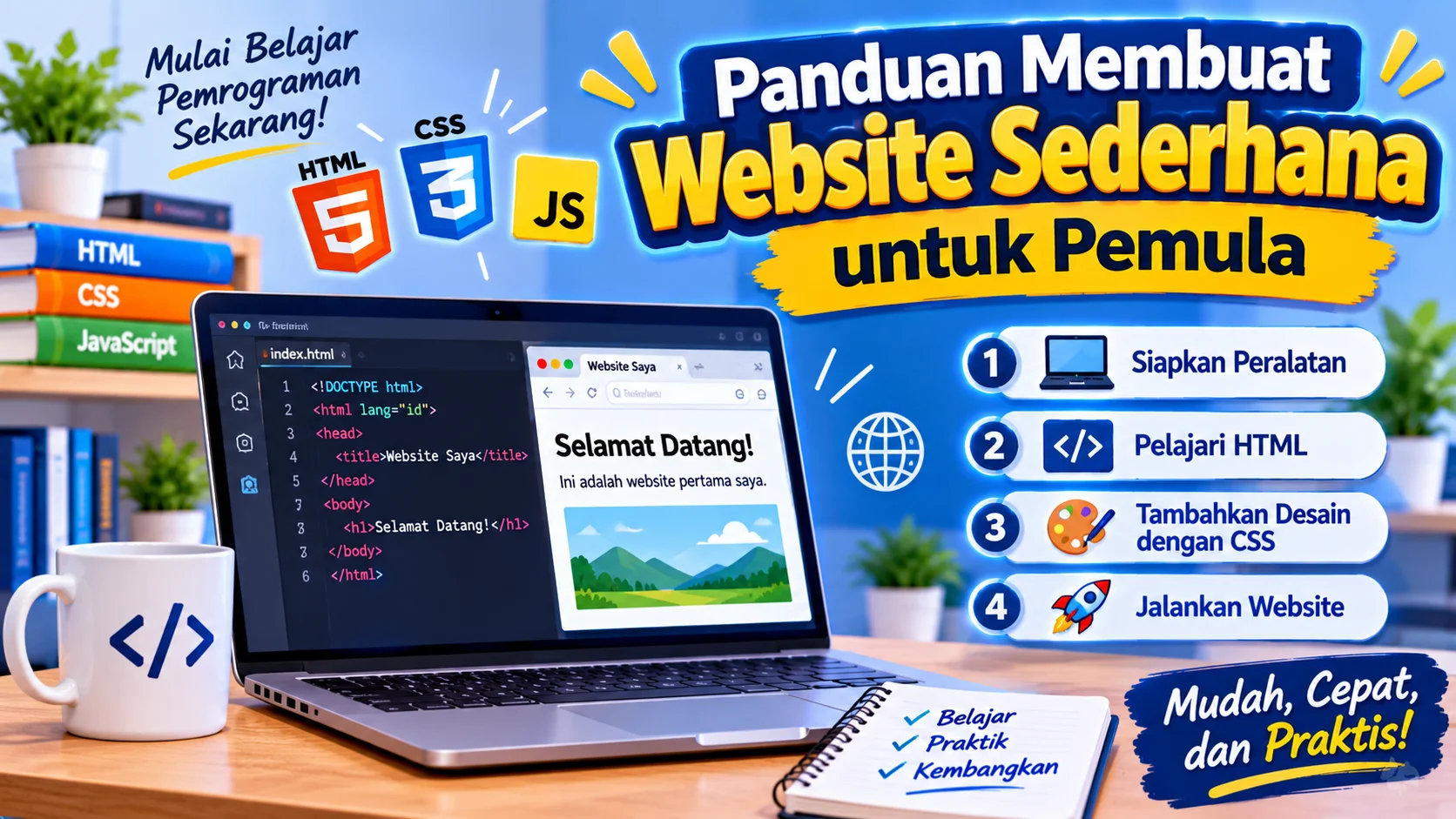
A Tutorial on How to Build a Website with HTML and CSS for Beginners.
This article discusses how to create a simple website using HTML and CSS, designed for beginners. It covers an introduction to HTML and CSS, preparation of necessary tools, building the page structure, styling the website, and how to view the website in a browser.
Table of Contents
Tutorial on How to Build a Website with HTML and CSS for Beginners
Introduction
A website is a digital medium used to convey information, introduce products, and provide various services online. To create a website, beginners need to learn two fundamental technologies: HTML and CSS.
HTML is used to build the structure of a webpage, while CSS serves to manage its appearance, making it more attractive and easier to read. By understanding these two technologies, beginners can start building simple websites on their own.
1. Getting to Know HTML and CSS
HTML (HyperText Markup Language) is a markup language used to structure elements on a web page, such as headings, paragraphs, images, and links.
CSS (Cascading Style Sheets) is a stylesheet language used to define colors, fonts, text sizes, spacing, and page layout.
HTML and CSS serve complementary functions: HTML builds the structure of a website, while CSS enhances its appearance.
2. Preparation Before Creating a Website
Before you begin building a website, prepare the following:
- A computer or laptop for writing code.
- A text editor, such as Visual Studio Code.
- A web browser, such as Google Chrome or Mozilla Firefox.
- A folder to store your project files.
To create a simple website, beginners do not yet need a server or a database. HTML and CSS files can be run directly through a web browser.
3. Creating an HTML Structure
Create a folder called website-starter, then create a file called index.html. Enter the following code:
<!DOCTYPE html> <html lang="id"> <head> <meta charset="UTF-8"> <meta name="viewport" content="width=device-width, initial-scale=1.0"> <title>Website Pertamaku</title> <link rel="stylesheet" href="style.css"> </head> <body> <header> <h1>Selamat Datang di Website Saya</h1> <p>Belajar membuat website dengan HTML dan CSS.</p> </header> <main> <h2>Tentang Website Ini</h2> <p>Ini adalah website sederhana untuk belajar dasar-dasar pengembangan web.</p> </main> <footer> <p>Website Pertamaku</p> </footer> </body> </html>
The code creates a webpage with a header section, main content, and a footer. The <head> element contains page information, while the <body> element contains the content displayed to visitors.
4. Controlling Appearance with CSS
Create a new file called style.css in the same folder. Then, enter the following code:
body { font-family: Arial, sans-serif; margin: 0; background-color: #f4f7fb; color: #333; } header { background-color: #1677c8; color: white; text-align: center; padding: 40px 20px; } main { max-width: 800px; margin: 30px auto; padding: 20px; background-color: white; border-radius: 10px; } h2 { color: #1677c8; } footer { text-align: center; padding: 20px; background-color: #e4edf5; }
The CSS code controls the background color, font, spacing, and the appearance of the content. Using appropriate colors can make a website look more attractive and easier to read.
5. Running a Website in a Browser
Once both files have been created, follow these steps:
- Ensure that index.html and style.css are located in the same folder.
- Save all code changes.
- Open the project folder on your computer.
- Double-click the index.html file.
- Check how the website appears in your browser.
If the appearance does not change after editing the CSS, save the file again and reload the browser page. Also, verify that the CSS filename is correctly referenced in the HTML code.
6. Tips for Learning HTML and CSS for Beginners
Here are some tips that can help beginners learn HTML and CSS:
- Start with a simple project, such as a personal profile page.
- Understand the function of each HTML tag and CSS property.
- Practice regularly by experimenting with colors, text sizes, and layouts.
- Double-check your code if the website does not display correctly.
- Learn responsive design so that your website can adapt to different screen sizes.
- Develop your project incrementally by adding images, navigation menus, and other content sections.
- Do not just copy code; try modifying parts of it and observe the results to deepen your understanding.
Conclusion
Creating a website using HTML and CSS is an excellent starting point for beginners who want to learn web development. HTML is used to build the page structure, while CSS manages the visual presentation, making the website more attractive and user-friendly.
By setting up a text editor, a web browser, and the files `index.html` and `style.css`, beginners can start building simple websites on their own. With consistent practice, one’s skills in building and developing websites will continue to grow.

Uploaded by
Kirania Aureliyanti
Tech Contributor